
AI cover art for singles and albums
Album Cover Generator
Describe the mood of your release, pick an art style, and get four original artworks. Choose one, set the title and artist in sharp, correctly spelled type, and download a 3000 × 3000 cover ready for distribution.
- Four 1536 px artworks per batch
- Real typography, never garbled AI lettering
- Put your own face on the cover (optional)
A clear, front-facing photo keeps your face consistent in the artwork.
Each batch makes four 1536 px artworks without text. Add your title and artist below — the lettering stays sharp and spelled right.
Covers
Your four cover options appear here.
How the album cover generator works
- 01
Describe the cover
A scene, an object or a feeling, plus genre and mood. Pick one of ten art styles, and add a portrait if you want to appear on it.
- 02
Pick your favourite of four
Each batch returns four different takes on your idea. Generate another batch if none is right — it costs two credits.
- 03
Add title and artist, export
Choose a layout, font and colour; the text is set in your browser on top of the artwork. Export 3000 × 3000 or 1400 × 1400.
Why this album cover generator keeps text out of the AI
Ask most image generators for an album cover with your title on it and you will get something close but wrong: letters that melt into each other, a band name with an extra consonant, or text that looks like a language that doesn't exist. Image models paint letters as shapes, and spelling is not a shape. So this album cover generator splits the job. The AI paints the artwork with an instruction to leave out all lettering, and your title and artist name are typeset afterwards, in your browser, with real fonts. The words are always spelled right, perfectly sharp, and you can move them around without generating a new image.
That split also makes iteration cheap. One batch of four artworks costs two credits. Once you have an image you like, changing the font, the colour of the title, the layout or even the album name costs nothing — it is drawn on top locally and exported at full size when you click download.
What makes a cover work at thumbnail size
Your cover will be seen far more often at 60 pixels in a playlist than at full size. Strong covers survive that shrink: one clear subject, high contrast between subject and background, and a colour palette you could describe in two words. Busy scenes with lots of small details turn into mud at thumbnail size. When you write the prompt for the album cover generator, describe one focal point — 'a lone lighthouse in a violet storm' rather than 'a coastline with boats, birds, rocks and a town'.
Ten styles that cover most genres
Film photo gives a grainy 35 mm look that suits indie, folk and singer-songwriter releases. Neon night is magenta-and-cyan glow for synthwave, electronic and night-drive playlists. Oil painting brings visible brush strokes for folk, classical and acoustic records. Minimal graphic reduces the idea to bold shapes and two colours, which reads clearly in any size. Collage uses torn paper and halftone textures for punk, alternative and zine-style releases. Anime is cel-shaded illustration for J-pop, lo-fi and game soundtracks. Surreal produces dreamlike scenes for ambient, psych and experimental music. 70s vinyl recreates faded sleeve photography for soul, funk and disco. Dark and moody is chiaroscuro lighting for rock, metal and cinematic scores. Y2K chrome is glossy, iridescent 3D for hyperpop and club tracks.
Put yourself on the cover
Add a front-facing portrait and the album cover generator uses it as a character reference, keeping your face consistent while placing you inside the scene you described. Use a clear, well-lit photo of one person; sunglasses and heavy shadows make the likeness weaker. Only upload photos of yourself or of people who have agreed to appear on the artwork.
Once the cover is done, give the release a visual push with a short AI music video or an animated lyric video. If the song is not finished yet, the AI song generator can help you get there first.
Artwork from the album cover generator
Six raw artworks, one per style, before any title was added. Prompts are shown under each image.
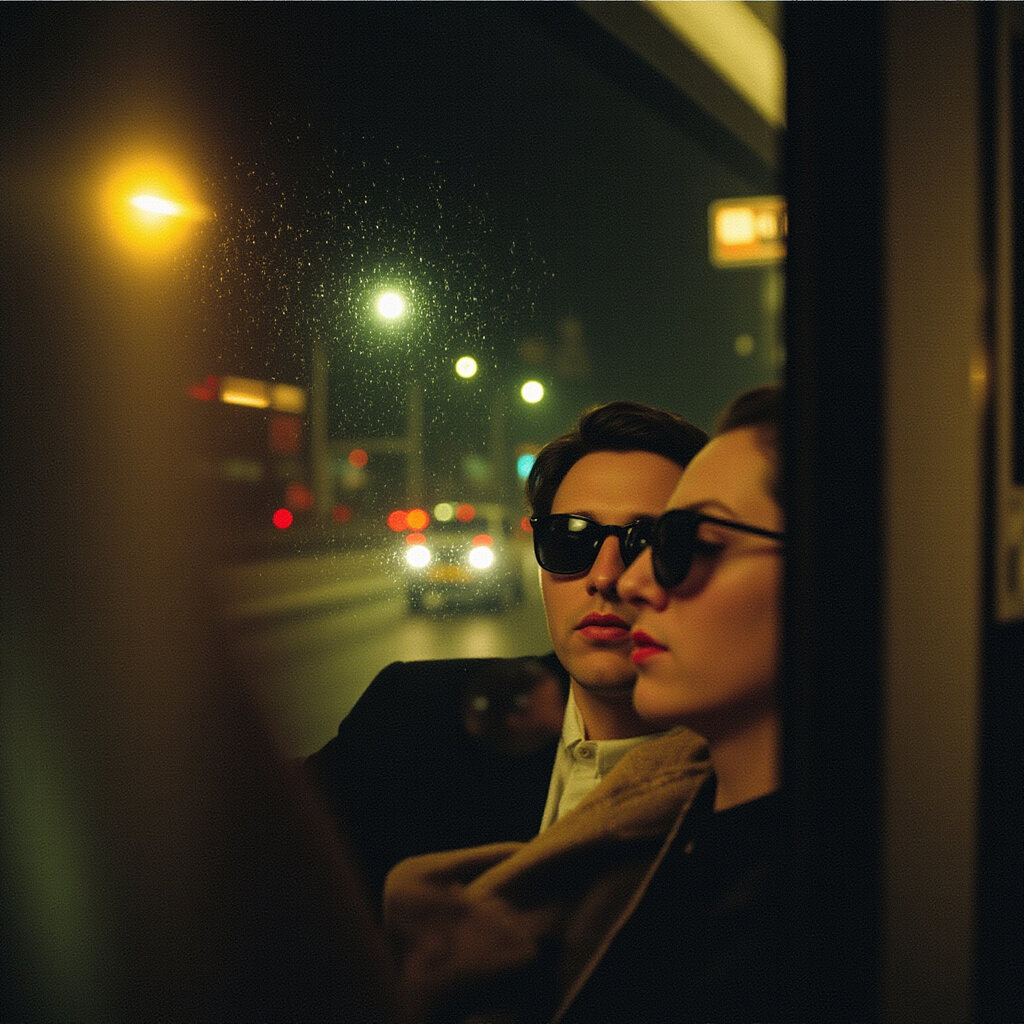
Two friends on a night bus, city lights smeared through a rainy window — indie pop, wistful.
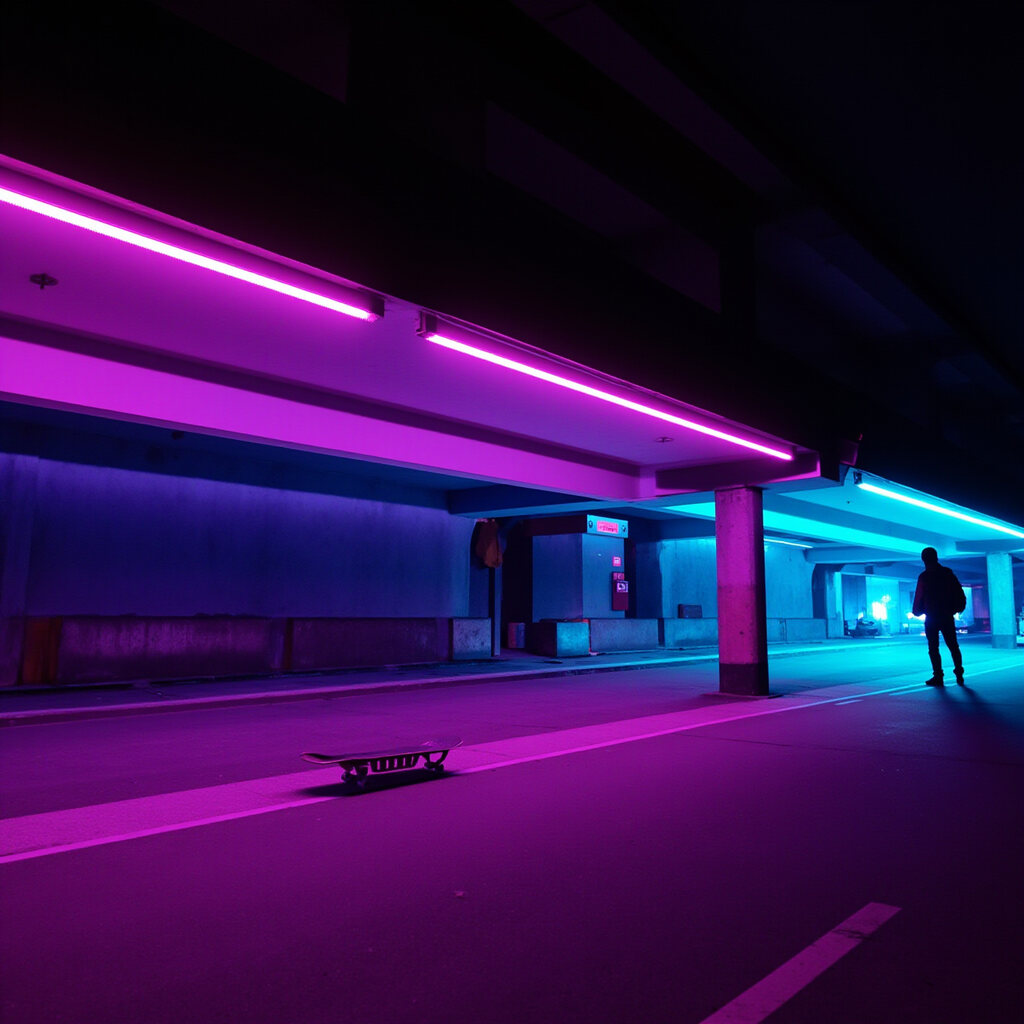
A lone skateboarder under a neon underpass — synthwave, nocturnal.
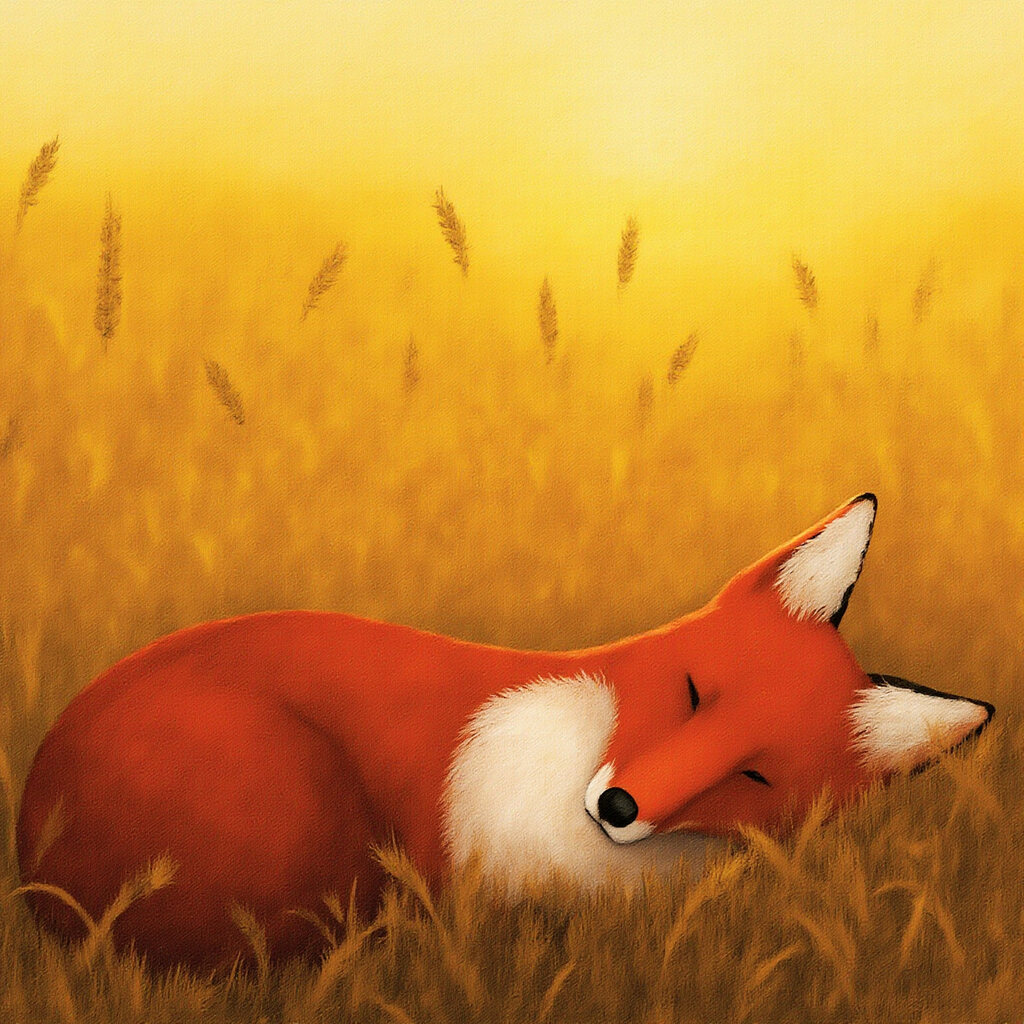
A fox asleep in a field of tall wheat at golden hour — folk, warm.
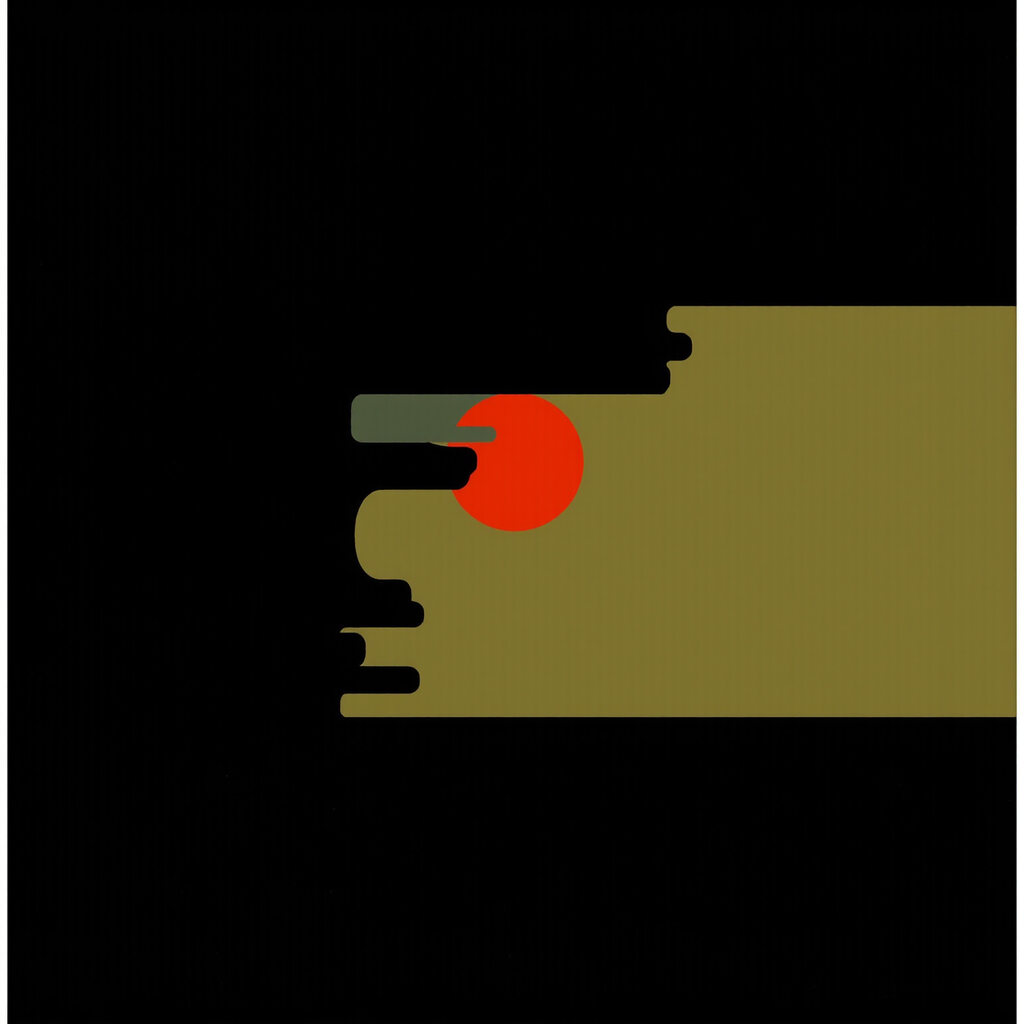
A single red sun over a calm black sea — ambient, still.
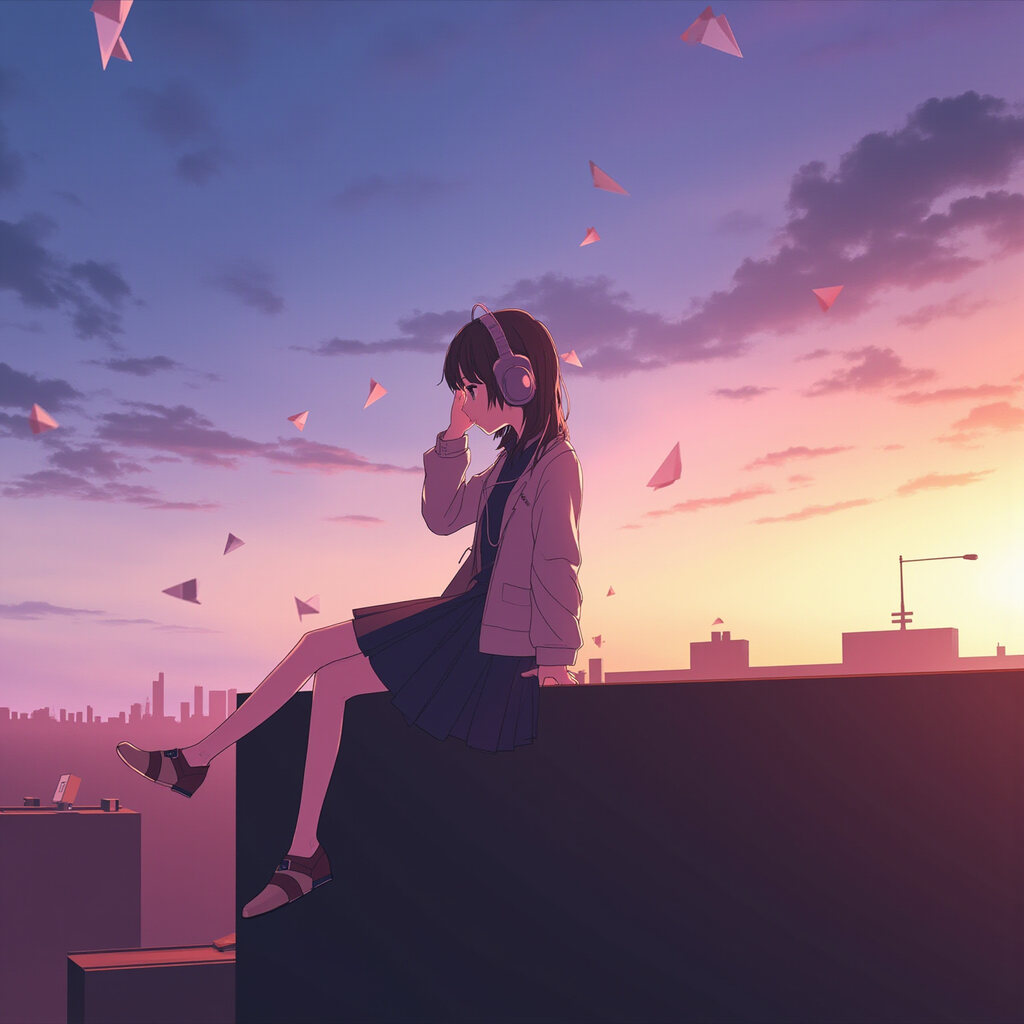
A girl with headphones on a rooftop watching paper planes at sunset — J-pop, hopeful.
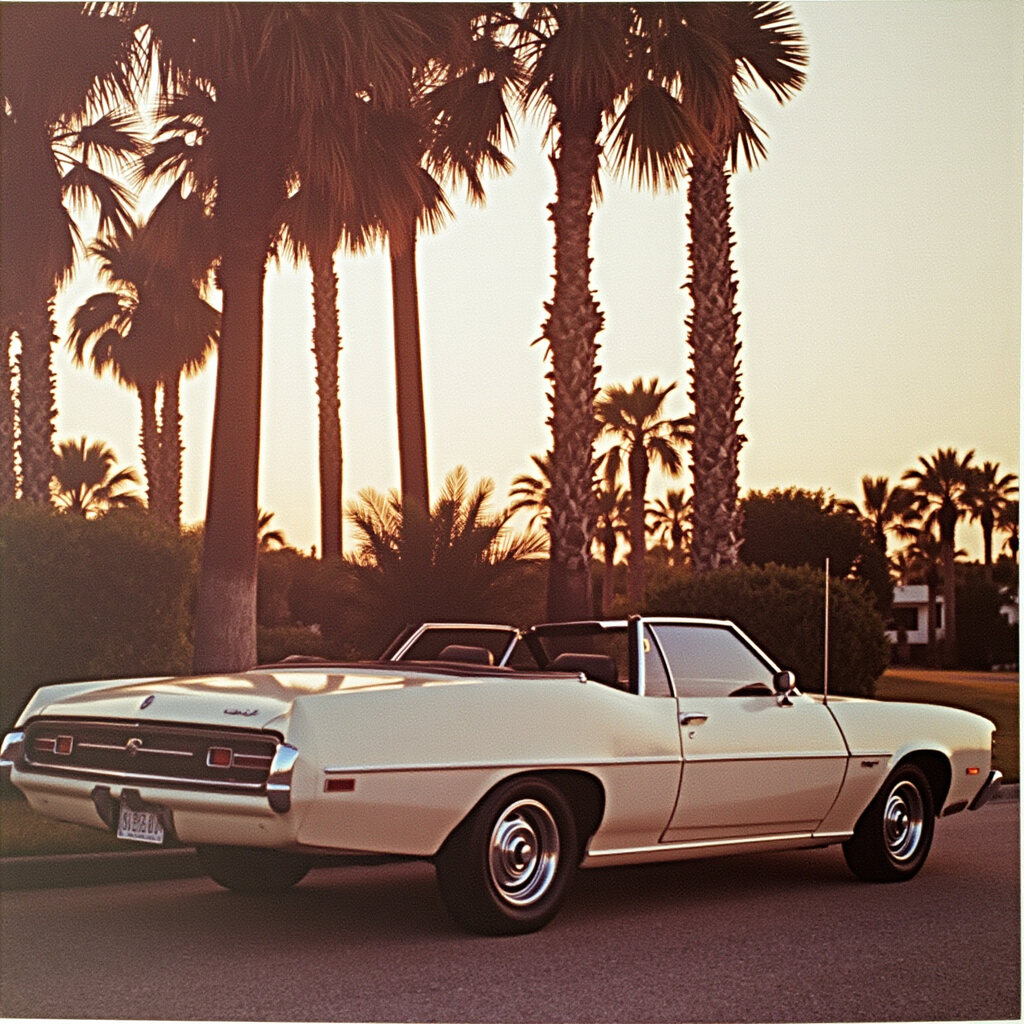
A sun-faded convertible parked by palm trees, 1970s summer — soul, easygoing.
Album cover generator export sizes and where they fit
Always check your distributor's current rules before release. These are the sizes that come up most.
| Where the cover goes | Typical requirement | What to export |
|---|---|---|
| Distributors delivering to Apple Music and Spotify | Square, 3000 × 3000 px recommended, RGB JPG | 3000 × 3000 JPG |
| Bandcamp | Square, at least 1400 × 1400 px | 3000 × 3000 or 1400 × 1400 |
| SoundCloud, YouTube thumbnails and socials | Square or as cropped by the platform | 1400 × 1400 is plenty |
| Merch, posters and vinyl sleeves | Print resolution depends on physical size | 3000 × 3000; ask your printer about bleed |
Album cover generator styles by genre
| Style | Looks like | Genres it suits |
|---|---|---|
| Film photo | 35 mm grain, natural light, candid | Indie, folk, singer-songwriter, bedroom pop |
| Neon night | Magenta and cyan glow, night city | Synthwave, electronic, R&B |
| Oil painting | Brush strokes, canvas texture | Folk, classical, acoustic, jazz |
| Minimal graphic | Flat shapes, two colours, space | Ambient, techno, instrumental |
| Collage | Torn paper, halftone, zine | Punk, alternative, hip-hop mixtapes |
| Anime | Cel shading, dramatic skies | J-pop, lo-fi, game music |
| Surreal | Dreamlike, impossible scenes | Ambient, psych, experimental |
| 70s vinyl | Faded colour, soft vignette | Soul, funk, disco, yacht rock |
| Dark & moody | Deep shadow, single rim light | Rock, metal, cinematic |
| Y2K chrome | Glossy 3D, iridescent gradients | Hyperpop, club, K-pop |
Album cover generator design rules that listeners and distributors care about
- One subject, high contrast. Check your favourite at the size of a fingernail before you commit.
- Keep text inside the middle 80% of the square so circular and rounded previews don't crop it.
- Use the 'darken behind text' option on busy artwork; legibility beats style.
- Don't include URLs, social handles, prices or streaming logos — distributors commonly reject them.
- Match the title on the cover to the title in your release metadata exactly.
- Generate two or three batches with different styles before deciding; it costs two credits each.
Album cover generator troubleshooting
- The artwork has stray letters in it
- Image models occasionally invent text-like marks despite instructions. Pick another of the four images, or generate a new batch.
- My face doesn't look like me
- Use a sharp, front-facing photo in even light, without sunglasses or filters, and describe a scene where your face is clearly visible.
- The title is hard to read
- Turn on 'darken behind text', switch to the bold poster font, or move the title to the calmest area of the image.
Album cover generator FAQ
Is the album cover generator free?
Each batch of four artworks costs two credits, and new accounts start with free credits. Adding text and exporting at 3000 × 3000 is free.
Can I use the covers commercially?
Yes. Covers you generate can be used for releases on Spotify, Apple Music, Bandcamp and other platforms, as well as merch and promotion.
What resolution are the covers?
The AI artwork is 1536 × 1536 pixels. The export upscales it to 3000 × 3000 (or 1400 × 1400) with your title and artist name set in sharp vector-quality type.
Why doesn't the AI write my album title?
AI image models misspell text. The album cover generator keeps lettering out of the image and typesets your title in the browser, so it is always correct and you can change it freely.
Can I put my own photo on the cover?
Yes. Add a clear portrait and it is used as a character reference. Only use photos of yourself or people who have agreed.
Will distributors accept AI cover art?
Distributors generally accept original artwork you have the rights to, provided it follows their rules — no URLs, logos or misleading text. Always check your distributor's current guidelines.
Can I make a cover for a playlist or podcast?
Yes. Describe the playlist mood or podcast theme instead of a song; the square format works for playlist and podcast artwork too.
Finish your release
AI Music Video Generator
A short vertical video from your song's hook.
Lyric Video Maker
Animated, auto-synced lyrics for YouTube and Reels.
AI Song Generator
Write and produce a full song with AI.
AI Mastering
Make the track loud and clear before release.
AI Image Generator
General-purpose images for posts and banners.
Photo to Music
Turn a picture into a matching piece of music.
Your release deserves a cover
Four artworks, your title in real type, and a 3000 × 3000 export.
Open the album cover generator